How to restore your server from a backup
Login to the Control Panel and login with your credentials.
Click on ‘Game Services’

Click on your '7 Days to Die Service'

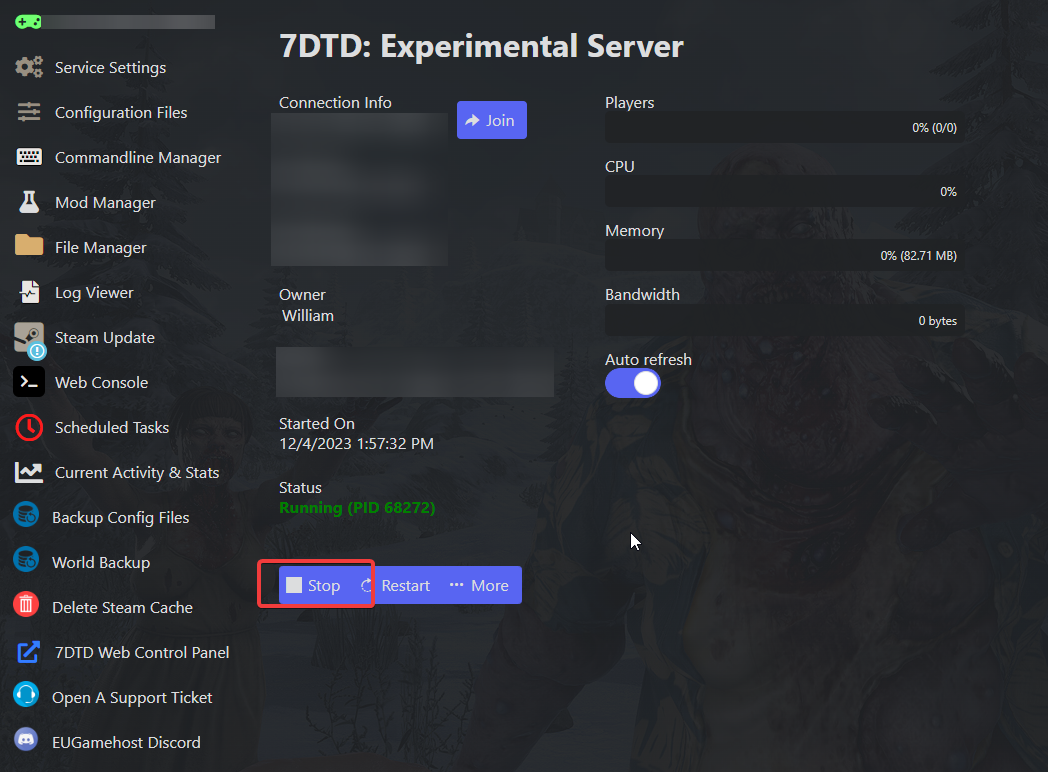
Click on the ‘Stop’ Button
Click on "Restore Data: Configuration & Worlds"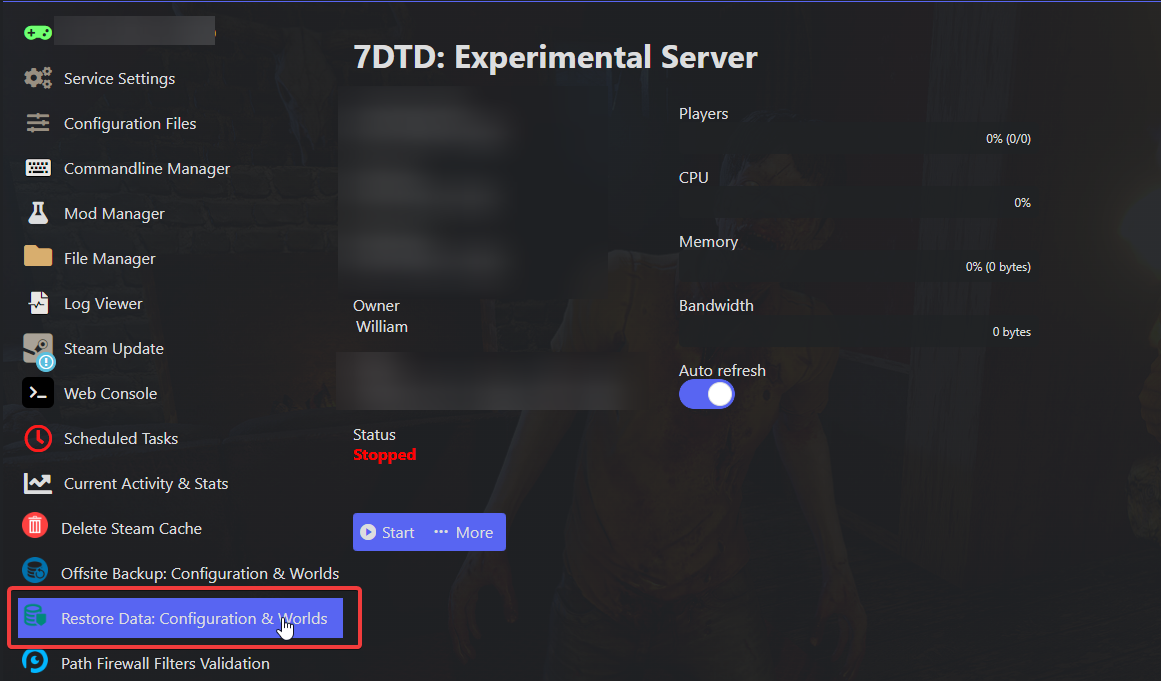
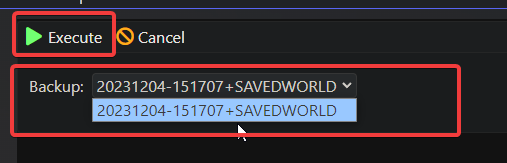
Select your backup from the dropdown and hit "Execute".
this will overwrite all your servers configurations and world data.
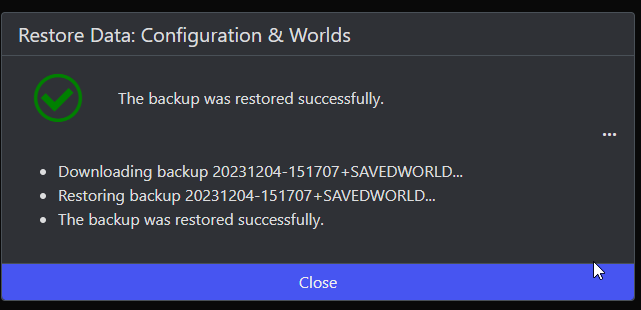
Once it says "The backup was restored successfully" you can hit "Close"
Now click back onto your server, and then press the ‘Start’ Button

And that's it! You have restored from a backup.
