How to reinstall your server
Login to the Control Panel and login with your credentials.
Click on ‘Game Services’

Click on your '7 Days to Die Service'

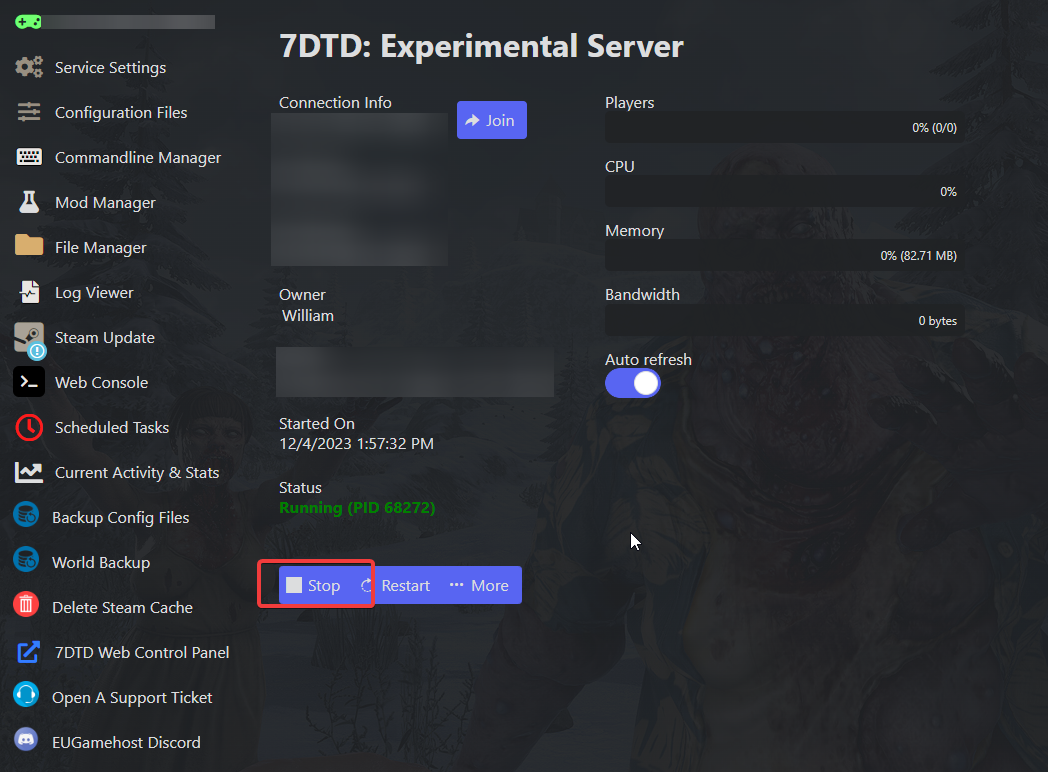
Click on the ‘Stop’ Button
Click on "More" Button
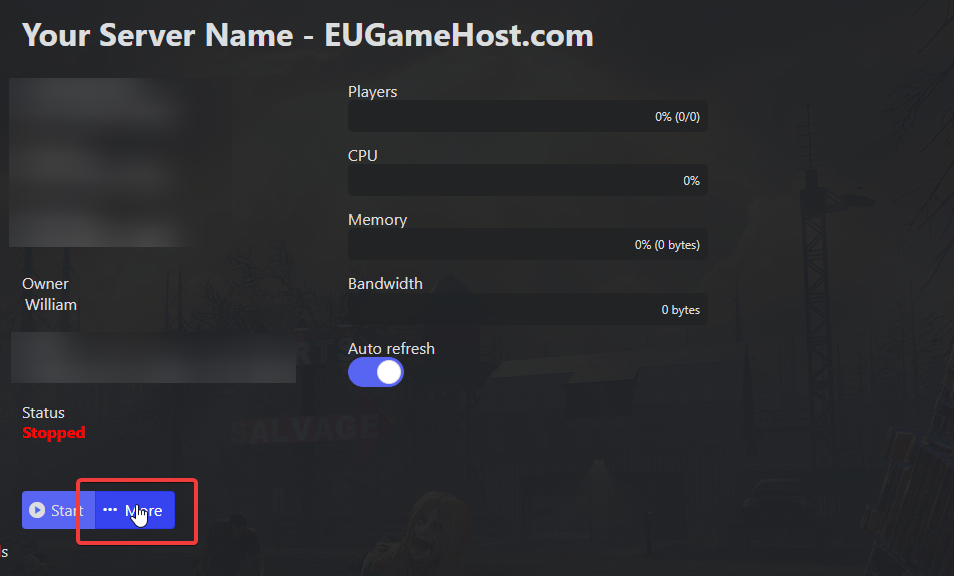
Click on "Reinstall"

This will delete all your worlds/configurations so ensure you have backups if you require any still.
Your server will then begin the reinstallation process.
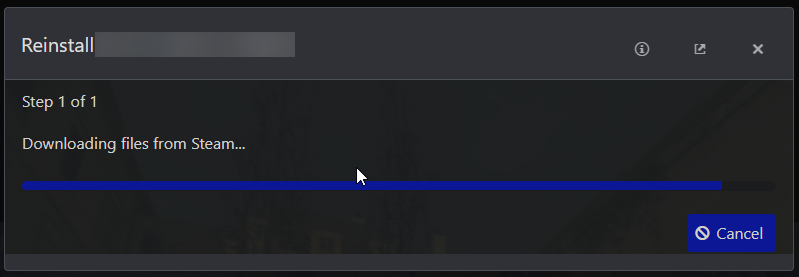
Once the process has ran fully, you will have a fresh install of your 7D2D server and can begin configuration.
