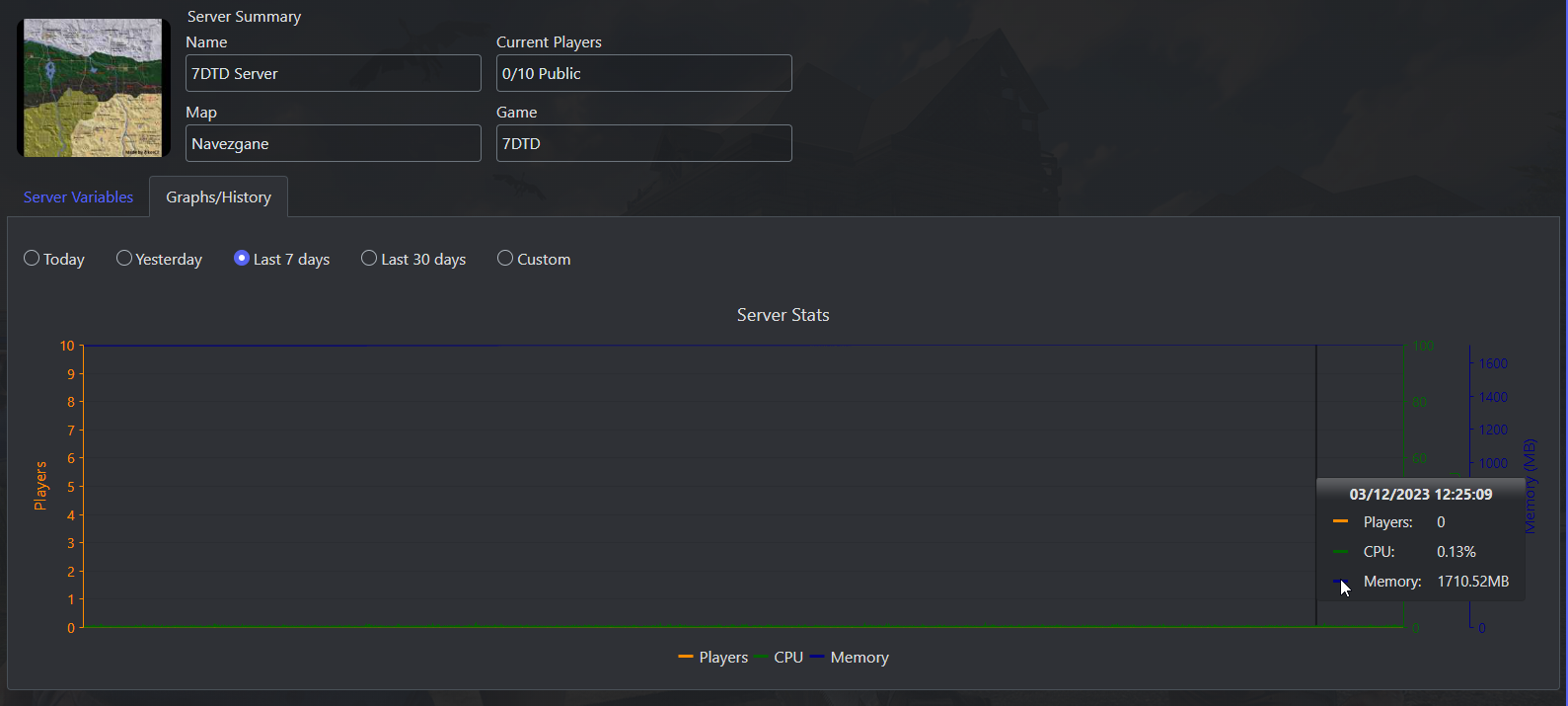
How to view your server general statistics
Login to the Control Panel and login with your credentials.
Click on ‘Game Services’

Click on your '7 Days to Die Service'

Make sure your server is "Running" to view the statistics of the server.
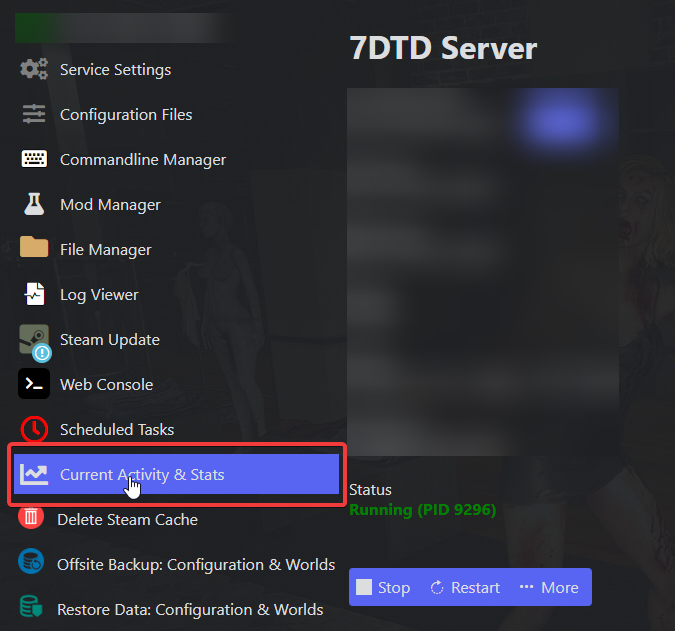
Click on "Current Activity & Stats"
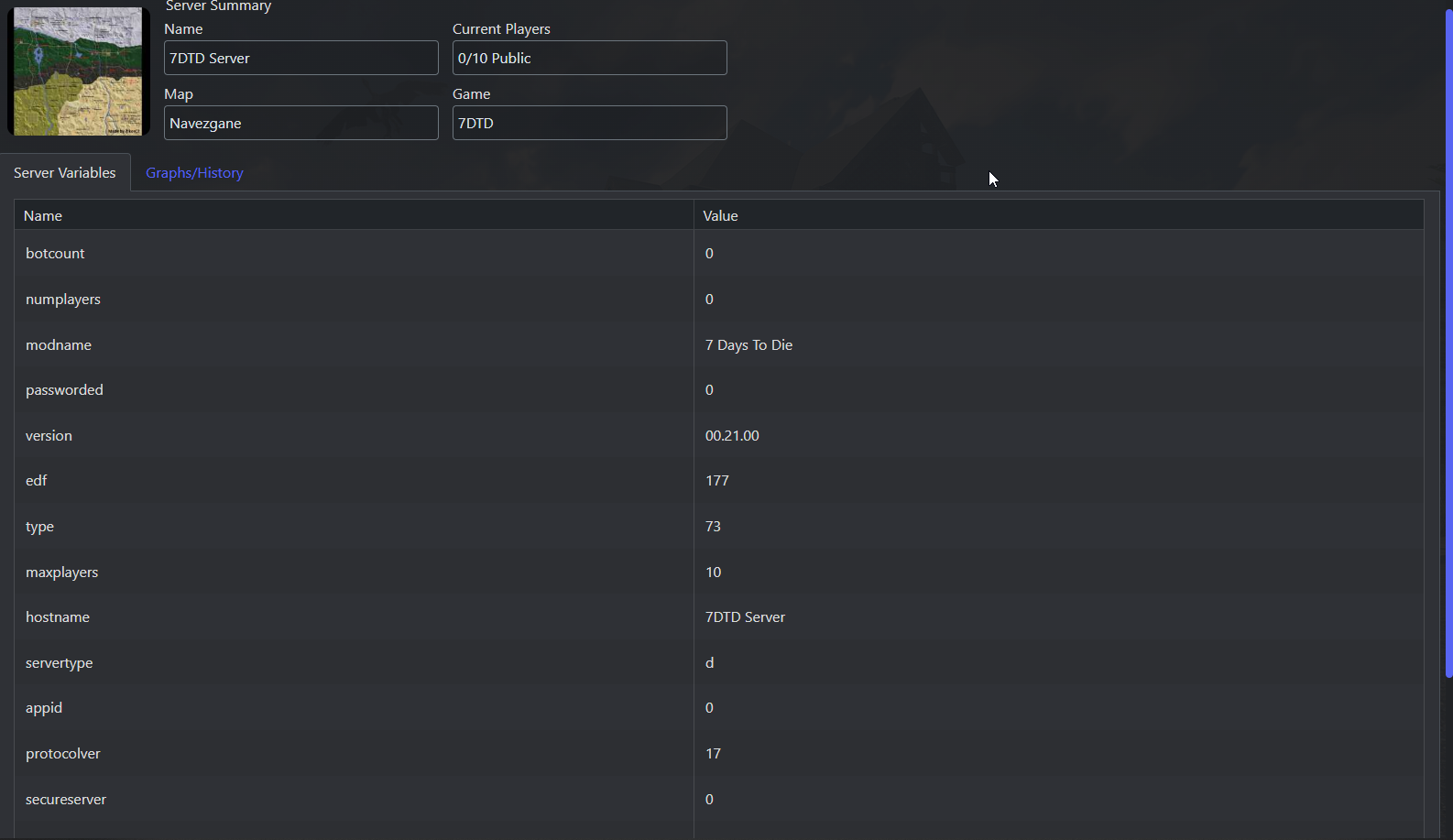
From here you can view basic information/server configuration values.
Press on "Graphs/History" to view CPU, Memory and Player counts.