How to view your server logs
Login to the Control Panel and login with your credentials.
Click on ‘Game Services’

Click on your '7 Days to Die Service'

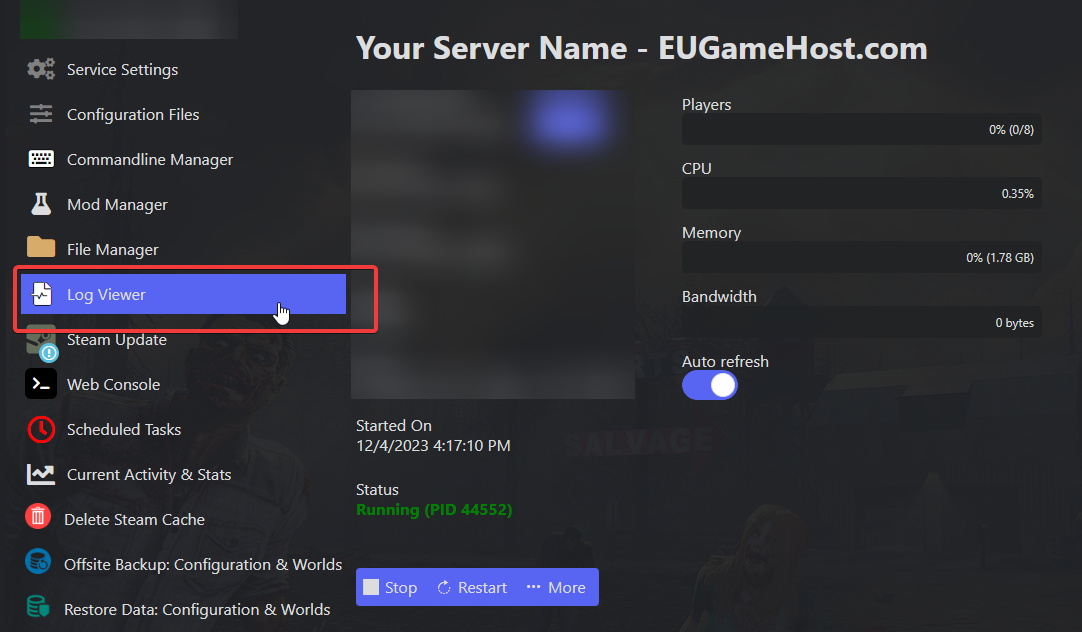
Click on "Log Viewer"
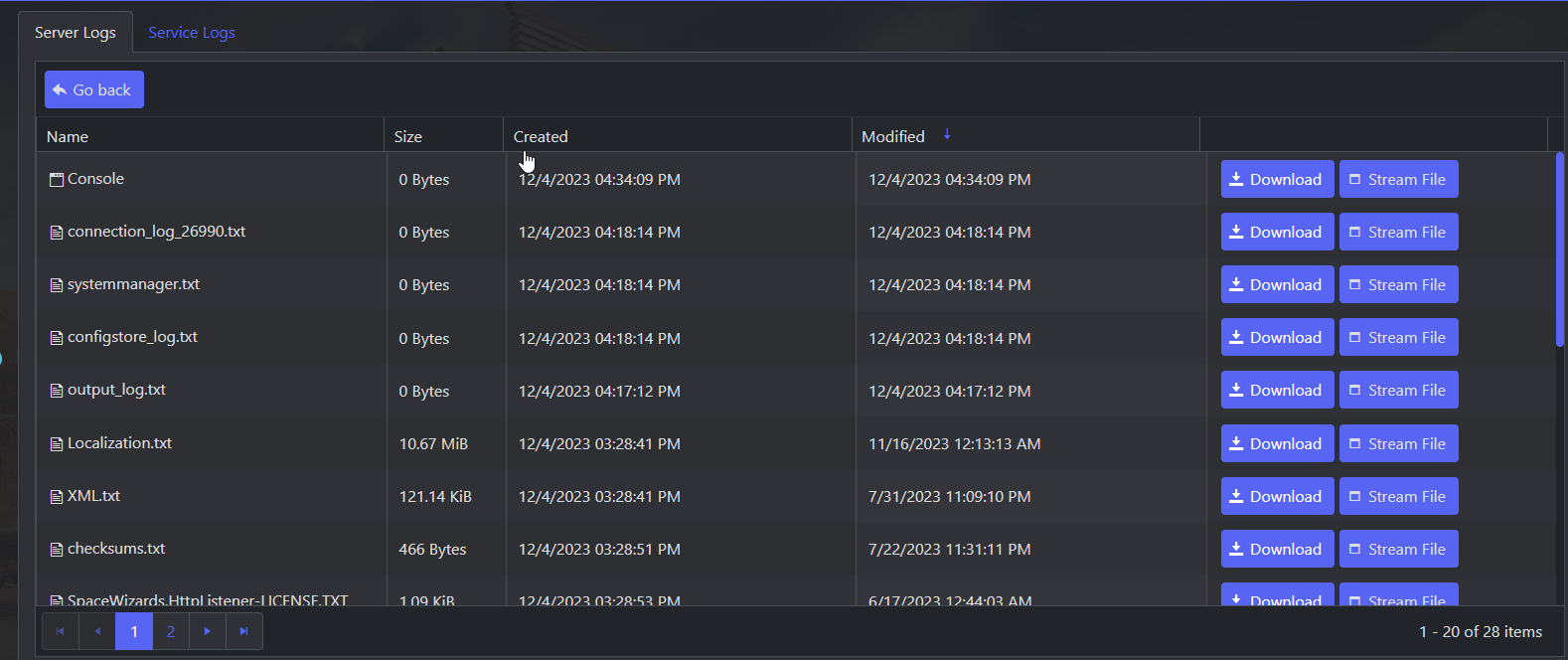
From here you can view or download game server logs.
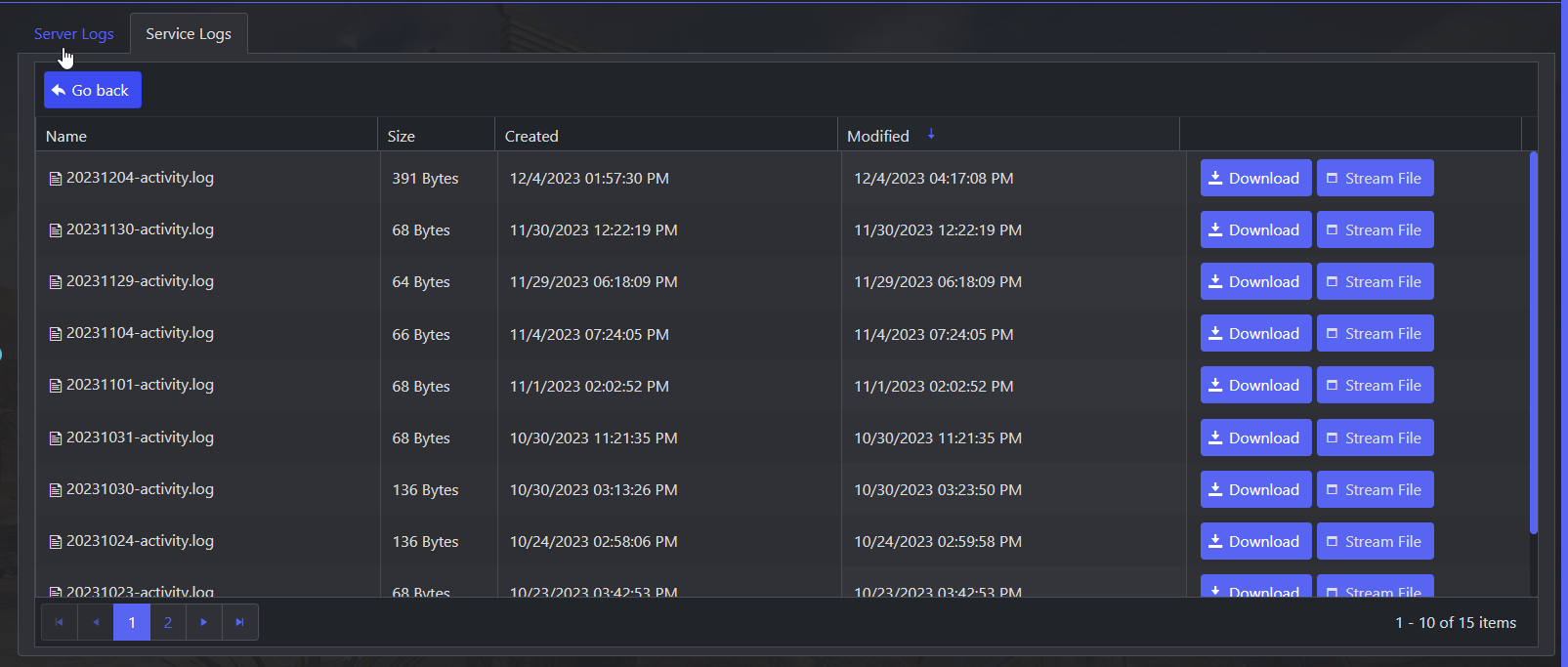
You can also view "Service Logs" which would show you when you actions are performed on the control panel.
It would also show any sub users actions.