Custom server configuration file
Login to the Control Panel and login with your credentials.
Click on ‘Game Services’

Click on your '7 Days to Die Service'

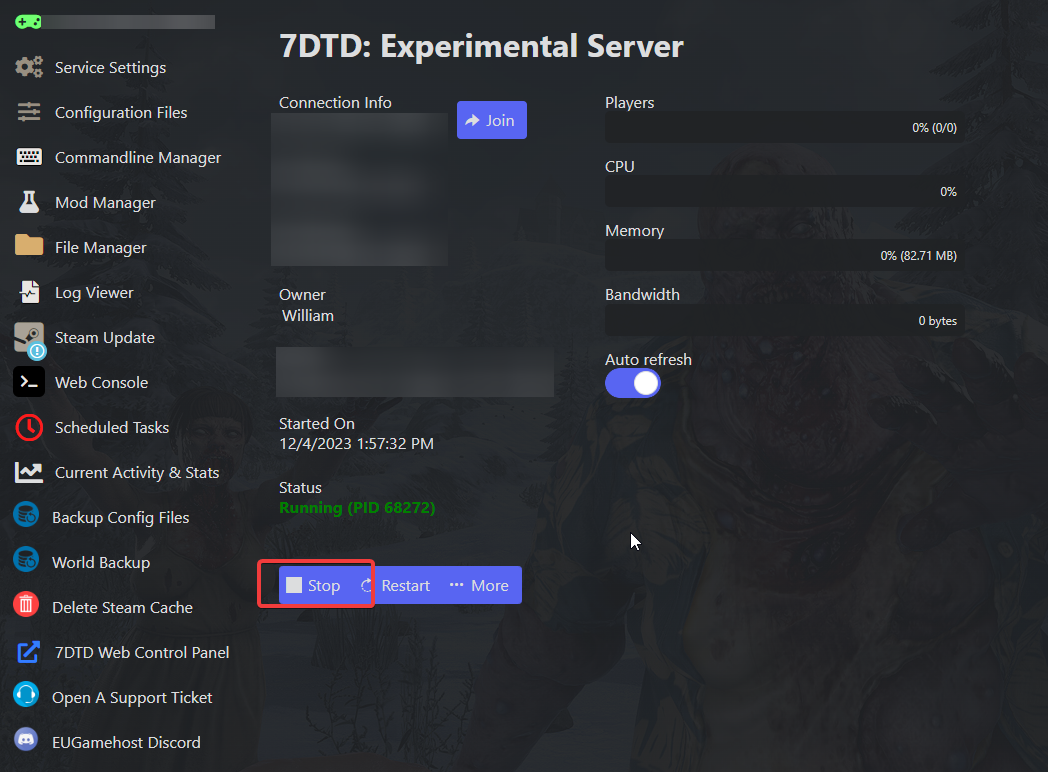
Click on the ‘Stop’ Button
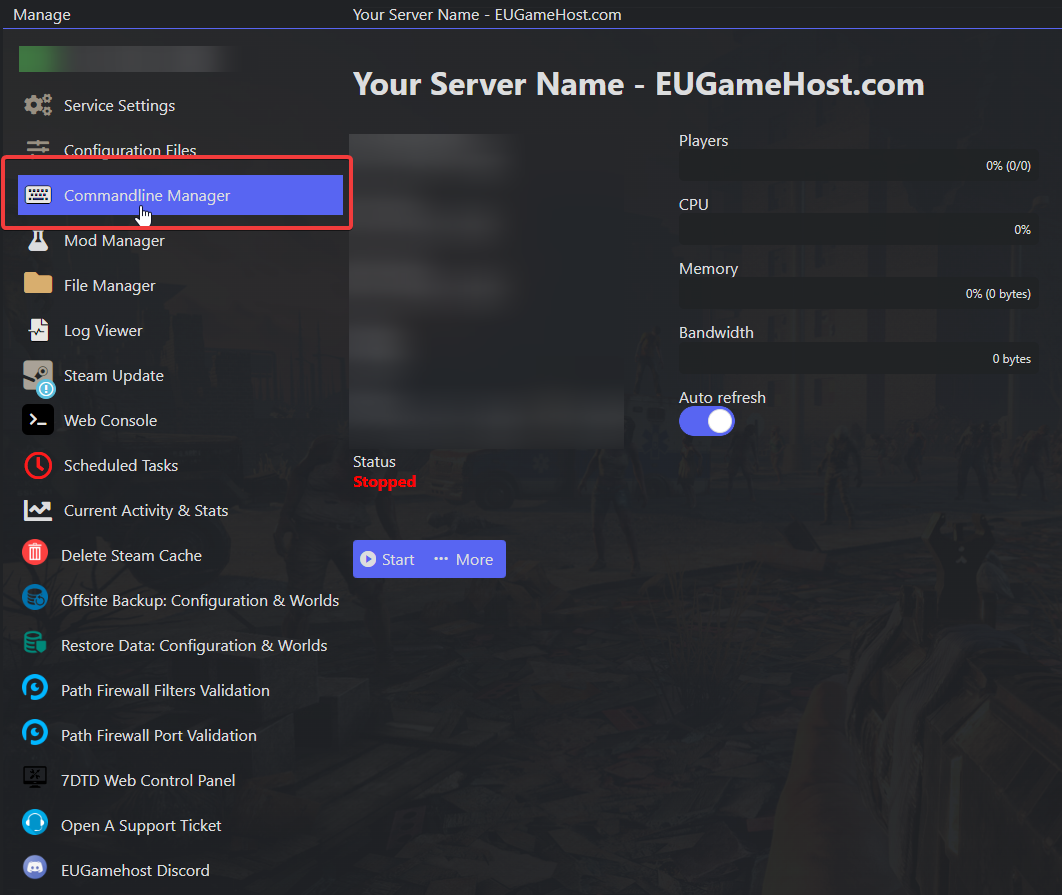
Click on the "Commandline Manager" Option
Press on "Select" on the "Custom Configuration File" Commandline.
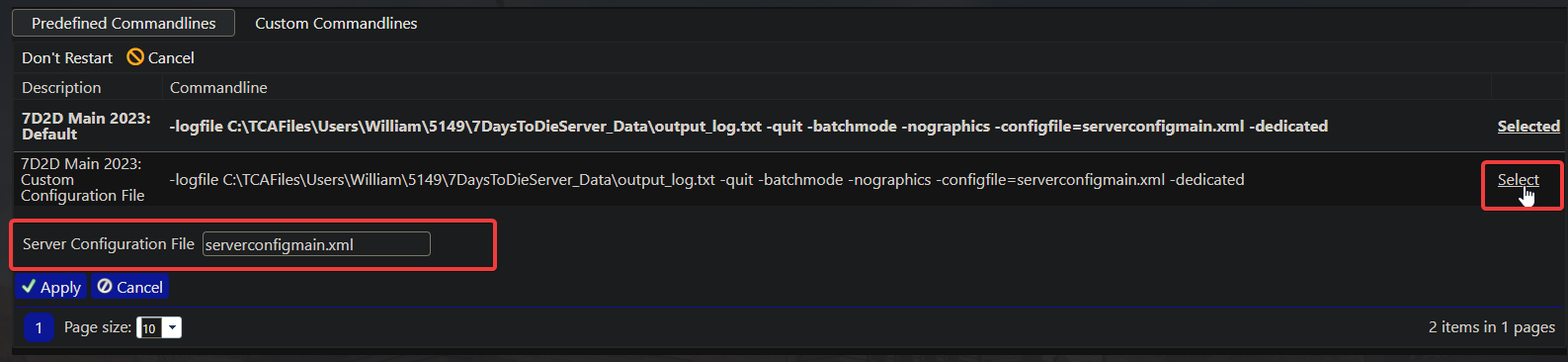
If you are running a addon (Like Darkness Falls) that requires a custom configuration file to work properly.
Ensure to include the file extension on the end (e.g. MyCustomConfiguration.xml)
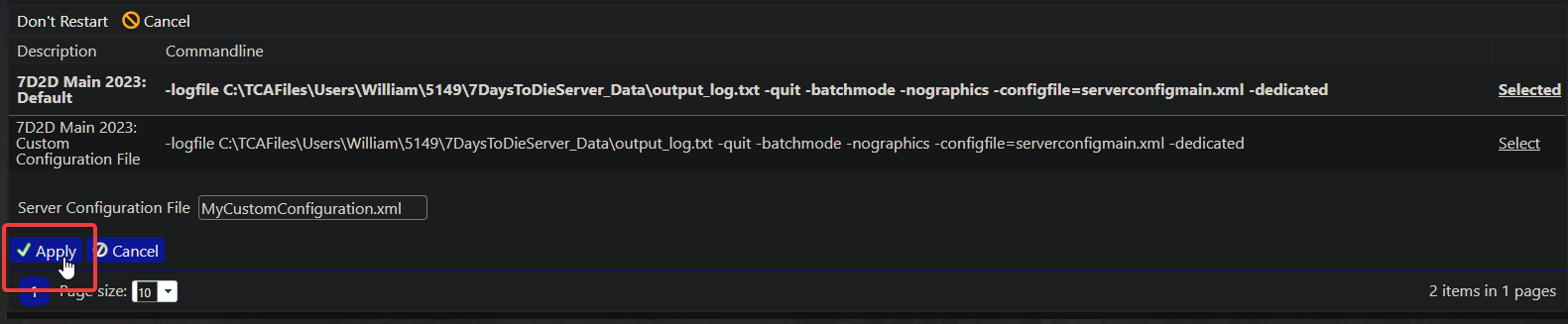
Press on "Apply" to save this commandline.
Now click back onto your server, and then press the ‘Start’ Button

And that's it! You have now defined a custom configuration file.
