How to run a MTR (Tracert)
You first need to download WinMTR
Once you have downloaded WinMTR and opened it you will see the following:
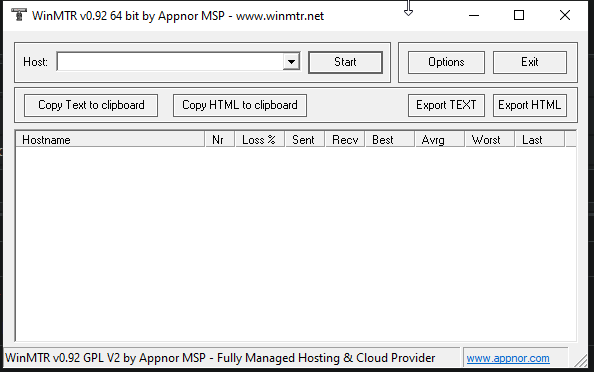
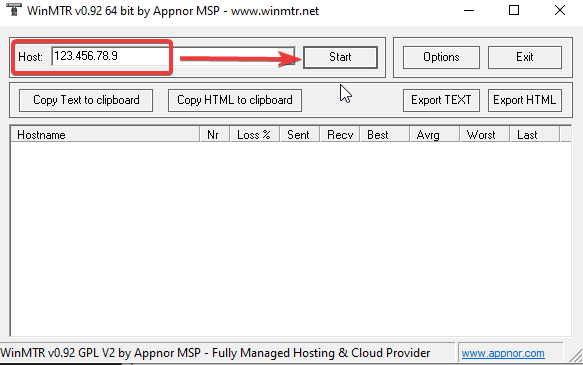
Input your server/services IP (excluding port!) in the 'Host' Box.
Then press on 'Start'
(Like shown below)
Allow it to run for 5-10 minutes during period of lag/delay.
Afterwards, Press on 'Copy Text to clipboard' and send it to us via support ticket.
Make sure to include as much information as possible for us to investigate further.
Saying "I have packetloss" isn't helpful. We need data and information.
